A lot of faffing about
A page on my website that splits a wide photo across two pages
Transcript
Hello, friends in Micro-Memoir.
This is a quick report on yesterday’s Zoom session and I wanted to tell people who didn’t make it that we did a little demo, I did a little demo of how to turn pages into PDF pages, and then how to merge different bits of PDF into one document and drag the pages into the right sequence. And we started off with images, but we also added text.
And two of the people in the Zoom sent me some bits and bobs, photos and written work, that I then folded into one PDF.
And then I showed inside the the printer that I use and I’m very happy to say that one of the rather technically competent people in the group approved of the printing website and how intuitive it is and how much better it is than similar sites that she’s seen elsewhere. So I hope you find that reassuring.
The main point of this session was to say that I worked entirely in PDFs when I was making my book A Speccy Man Has A Breakdown.
I took photos and I put text on top of them. I had text to the side of them and beneath them. I inserted blank pages and put text on the blank pages.
I used nearly always the same typeface, which I carefully chose, and the same size for the typeface, and I just made pages and pages and added them together and then moved them into the right order.
I did do that on a Mac and it’s possible that it’s not very helpful for me to say that for those of you who are not on a Mac. But but I’m fairly convinced, because one of the people in the group – I hope I might say your first name, Margaret – seems fairly confident about how to do this using Microsoft tools and using PDFs.
So I think it’s going to be easy enough.
One thing I did find myself saying yesterday is that PDFs were, in the first place, invented as a document that captures and freezes things on a page so that they can be shared from one type of computer to another without changing.
And you may already be familiar with the annoying experience of creating something in your word processor. You send it to someone else and it looks completely different to them. The PDF is designed to freeze it exactly as you had it. So that’s why I’m a big fan of working in PDFs.
But I thought I would do something else today, because one of the things we did in the Zoom call yesterday, I demonstrated how to split a horizontal landscape photo into two parts so that it can be two pages across a double-page spread. You can have the left-hand side on the left-hand page, right-hand side on the right-hand page. Surprise, surprise.
And um and I decided to build a thing on my website that will make it really simple and quick for you to do that. So there is a page on my website now where you can upload a photograph of your own.
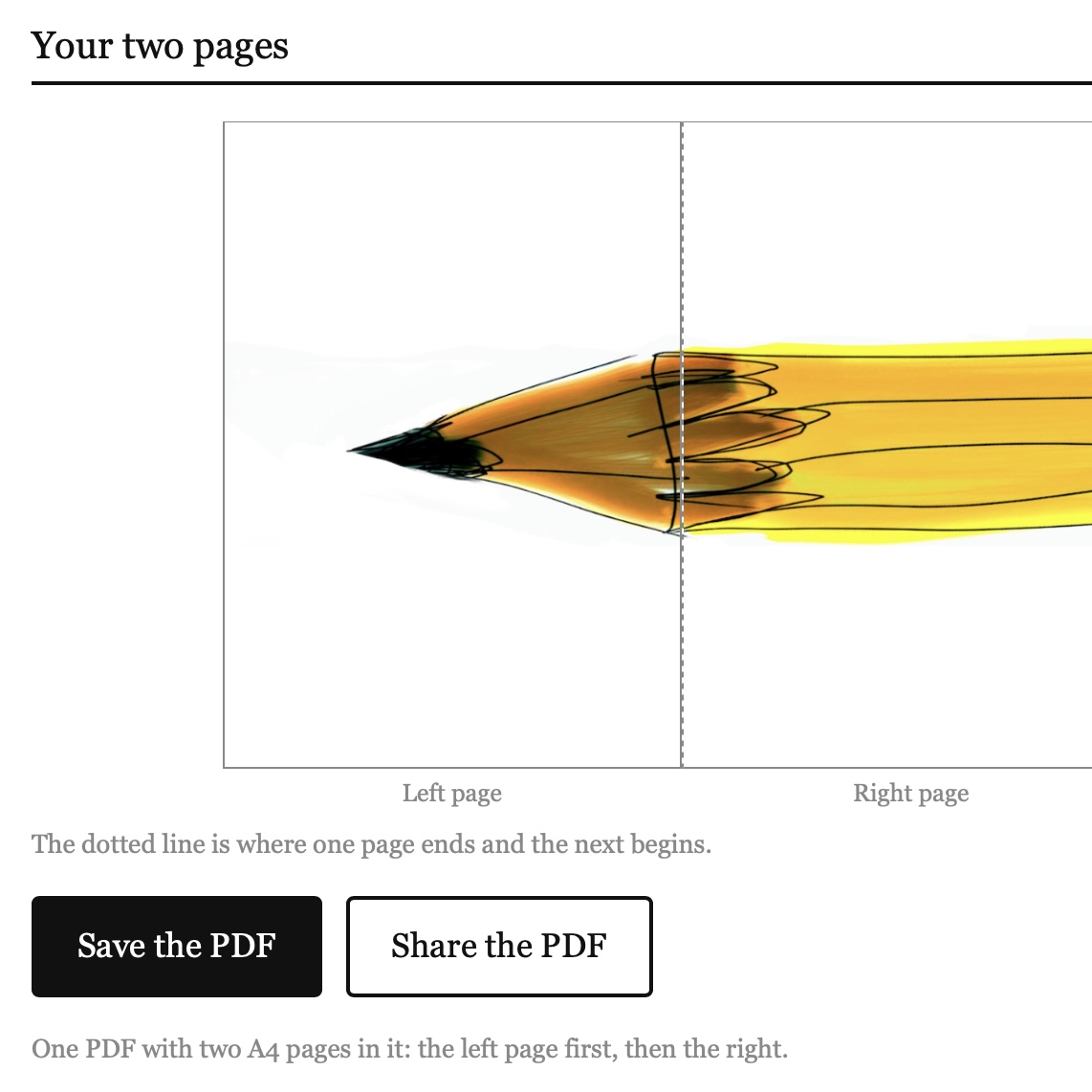
Click the picture to try it.
It’s pretty straightforward if you have an upright portrait format photo, because you upload your your photo, which will be a JPEG probably from your camera, and it will immediately be turned in on the click of a button, it will be turned into an A4 PDF for you. So you can just save that. It doesn’t come to me, it’s entirely in your browser.
Nothing saves to me, it just goes straight to you. So you upload your photo, press the right button, and it comes to you as a PDF.
What I’m really pleased with, I’m really actually rather proud of, is that if you upload a landscape photo, a wide format photo, it will allow you to split it with just a click. You can split it so that it turns into a two-page PDF with the left-hand side of your image on the left and the right-hand side on the right. I think that’s incredibly clever.
I’ve tested it a few times. I think it will work for you.
The address is really simple. It’s my website, flintoff.org, and then forward slash a – lowercase a – 4, number four. So flintoff.org forward slash a4 and experiment with the photos that you’re thinking of including.
That way you can just upload a JPEG. It won’t come to me. It won’t clutter anything up. It will just turn it into an A4 size PDF for you, which you can then later on merge into a single PDF to send up to the printer.
So I really hope that this might be a really helpful piece of engineering for you that saves a lot of faffing about.
Let me know how you get on.
jp at this domain name or voice note.