It’s frustrating, to link to a blog post and say “read the paragraph about X”, and know that people who click will then have to scroll and skim and hope they land on the bit you meant.
Well, it turns out you can just link to the sentence.
I found this out today. Here’s a simple example, linking to just two words, something freeing, in a post of my own:
https://flintoff.org/unoffice-hours#:~:text=something%20freeing
Notice the tail: everything after #:~:text= is the phrase you want the browser to find. (Spaces, in links, become %20.) The browser scrolls to the first match and highlights it.
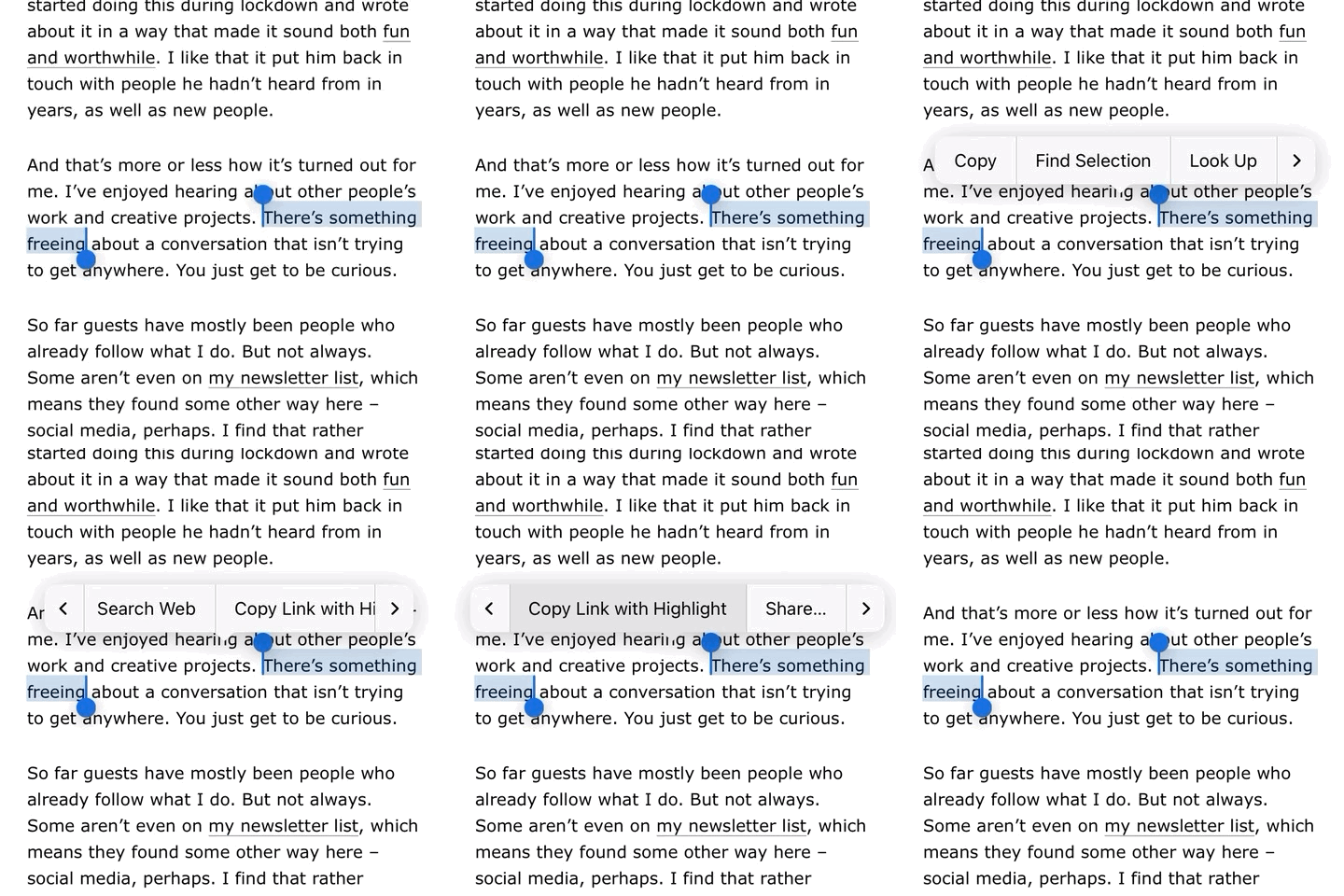
You don’t have to hand-type any of that. In most browsers, highlight some text on any page, right-click, and choose “Copy Link to Highlight” (or “Copy Link to Selection” in Orion). The browser does the encoding and hands you a working URL.
Like this:
It works in Chrome, Edge, Safari, Firefox 131 and up, Orion, DuckDuckGo, and the mobile versions of all of them. If someone opens the link in a browser that doesn’t support it, they land at the top of the page. Nothing breaks.
If you blog, try it. Highlight, right-click, copy the link, and share.
-
Alas, turns out not to work with links to Substack and other platforms that are more like social media than open web.
I tried to point at one paragraph in a post by Wesley Verhoeve about sequencing photographs.
Here is the link that should have landed on it:
But no. Substack, Medium, and other JavaScript-heavy platforms often load content after the browser has finished looking for the text, so the link falls back to the top of the page.
Plain HTML pages, WordPress, Textpattern, static sites – all fine. Another small vote for owning your own patch of web.
-
I got so excited about this that I spent a couple of hours building oodles of clever links into a one-pager about something.
I’m rather pleased with it. Please take a look.