This is for the people on my Micro-Memoir course. But I’m putting it on the blog too, in case anyone else would like to try it – and so you can see just what lengths I go to for them.
On a Zoom call for the course, I showed how to split a wide photo into two halves, so that it runs right across a double-page spread: the left half on the left-hand page, the right half on the right.
There are ways to do that by hand, but I thought it could be simpler. So I built a page on my website that does it for you.
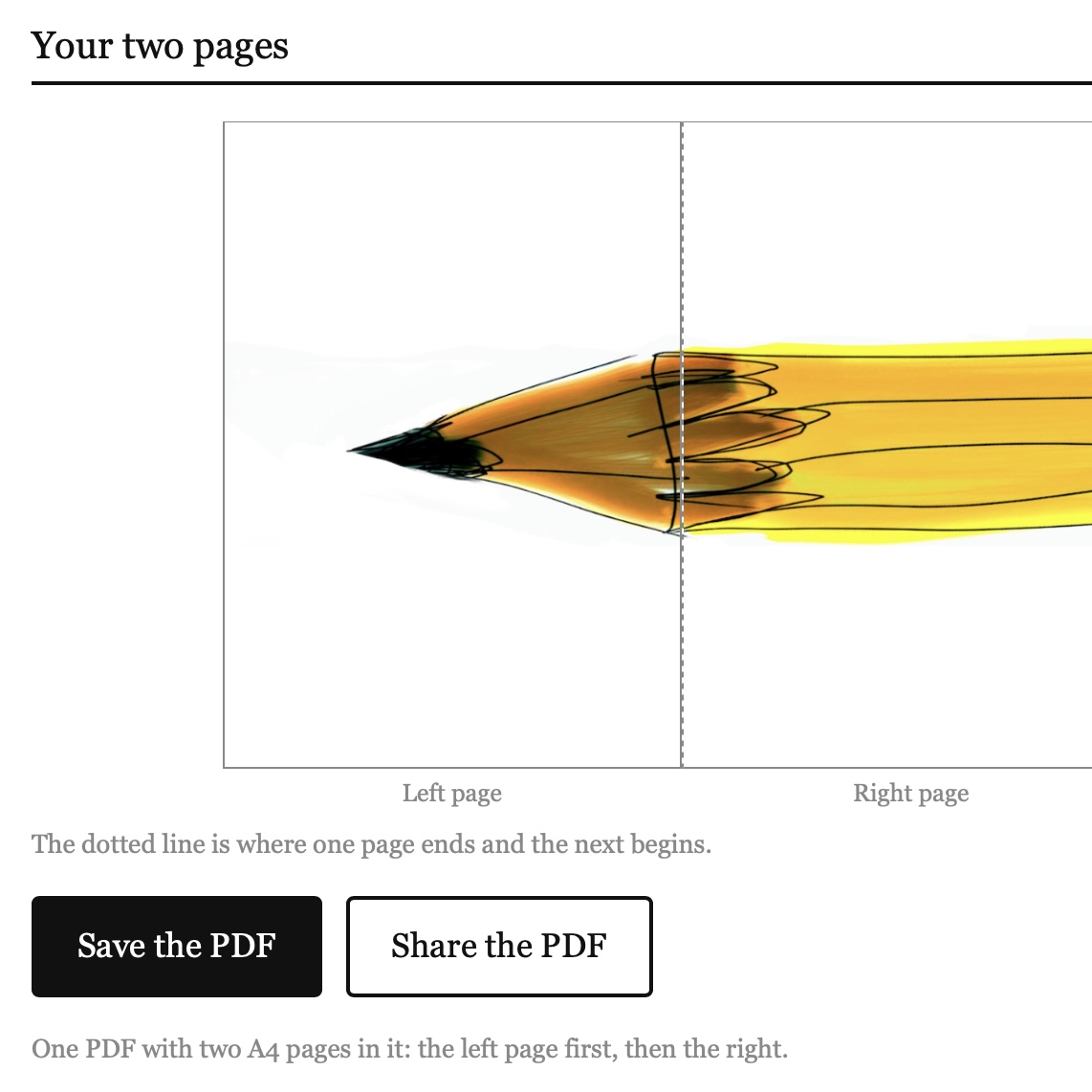
Click the picture to try it.
Choose a picture. If it’s tall, it comes back as an A4 page, saved as a PDF. If it’s wide, it comes back as two upright A4 pages in one PDF, the left half first, then the right. You can keep a wide one on a single page if you’d rather.
Nothing is uploaded. Your picture stays on your phone or computer, the pages are made in your browser, and nothing comes to me.
On the course, every page of the book ends up as a PDF, and the PDFs are put together into one file for the printer. These pages go straight in.
The address is flintoff.org/a4. I hope it saves you a lot of faffing about.

JPF